I have tried both my Pi4 and Pi5 and both are giving me errors. This is the error I am currently getting on my Pi 5. Also PiFi isn’t showing up in my WiFi settings.
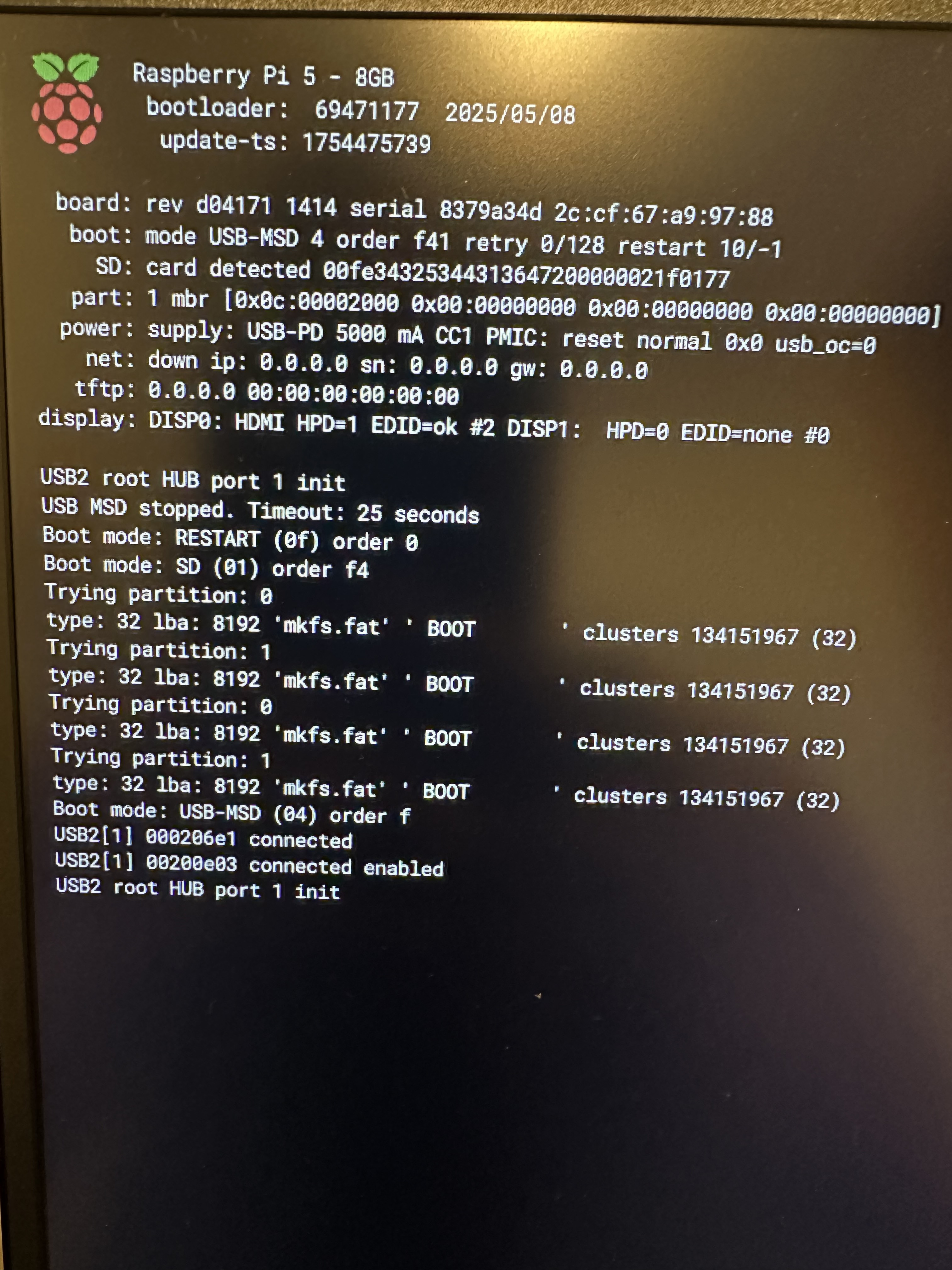
Ok so it looks like your Pi is set to USB Boot (rather than default SD Card boot)
If you are booting from the SD card with PiFi, please ensure that you have unplugged USB as you currently have USB set as your primary boot method so it will always attempt to boot from that. This can be changed via Pi imager but also if you just remove any USB after an attempt it should fallback to SD.
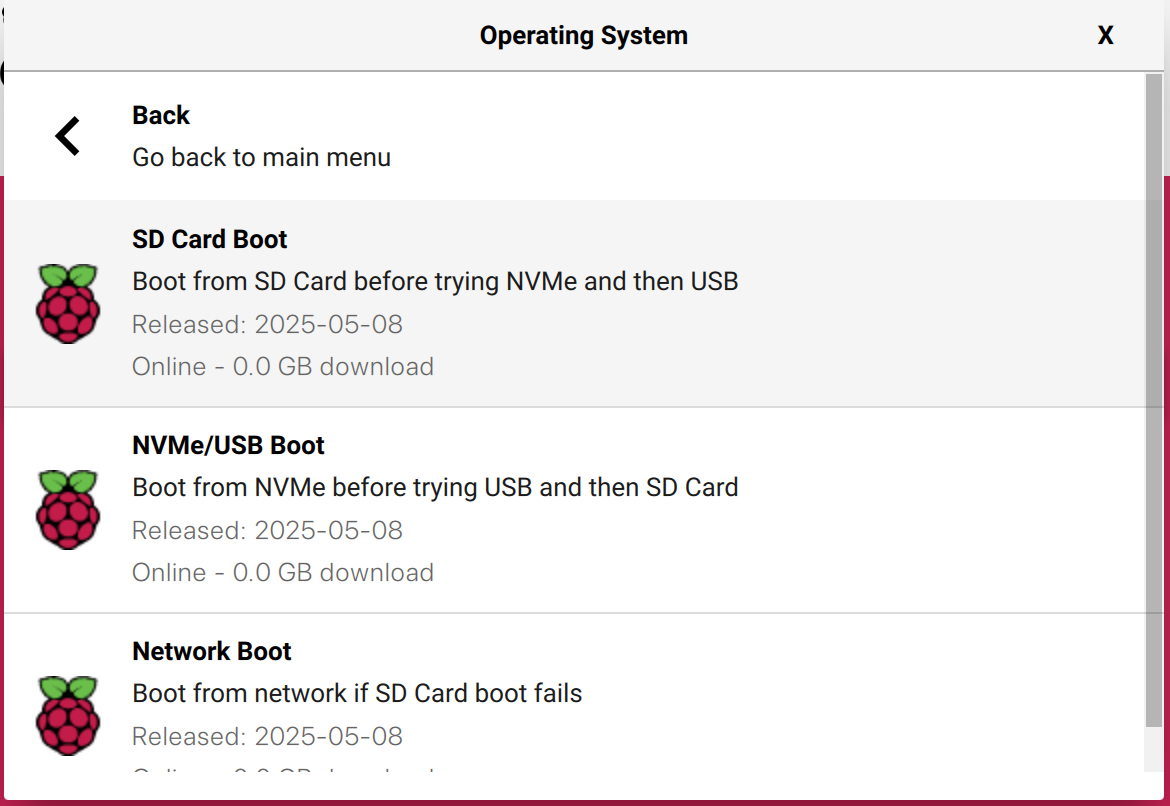
Alternatively, if you have flashed PiFi to a USB port (it’s not quite supported out of the box but it’s a trivial fix), can you try editing cmdline.txt on the USB drive to:
console=serial0,115200 console=tty1 root=/dev/sda2 rootfstype=squashfs,ext4 rootwait
Unplug the Pi and plug it back in again and it should boot.
By default, PiFi is designed to boot from SD cards so please either unplug USB if booting from SD, or apply fix above if booting via a USB drive (the cmdline part).
If you have further issues, please let me know, happy to help.
Changed back to SD Boot now getting green blinking flashing light and solid green screen. Not finding PiFi in my WiFi settings either. Using iPhone iOS 18.6. Also trying to connect via WiFi instead of router because currently in the move process and no longer have a router.
Also did some research and it says that the app isn’t requesting local network access that is why it isn’t an option in my local network menu and thus not allowing me to accept it.
Install the Pi 4 image from pifi.org/downloads onto the SD card via Pi imager
The green indicator means the bootloader update image is currently on there and has run successfully.
With your Pi set to boot from SD (as it is now) and the SD card running PiFi firmware, you’re good to go. I’m not worried about the app yet until the firmware is running.
P.S. If you have a PiFi Kit, wireless pairing will work. Without it, the Pi only has one radio, so it can’t handle WiFi pairing and broadcasting at the same time in software.
I wa able to get everything set up. I had to use the Balena Etcher instead of the Raspberry Pi Imager for some reason it wasn’t working properly. Thank you for all the help!