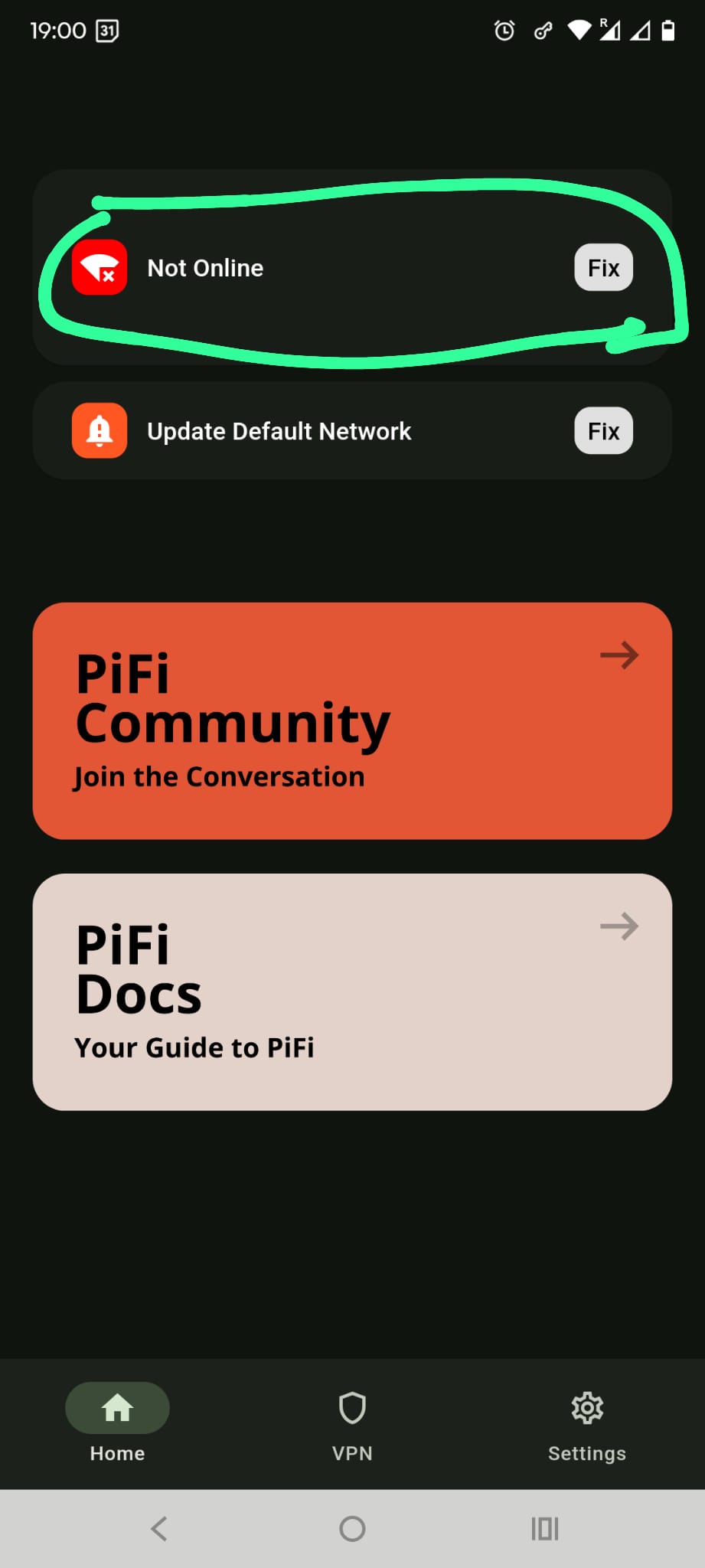
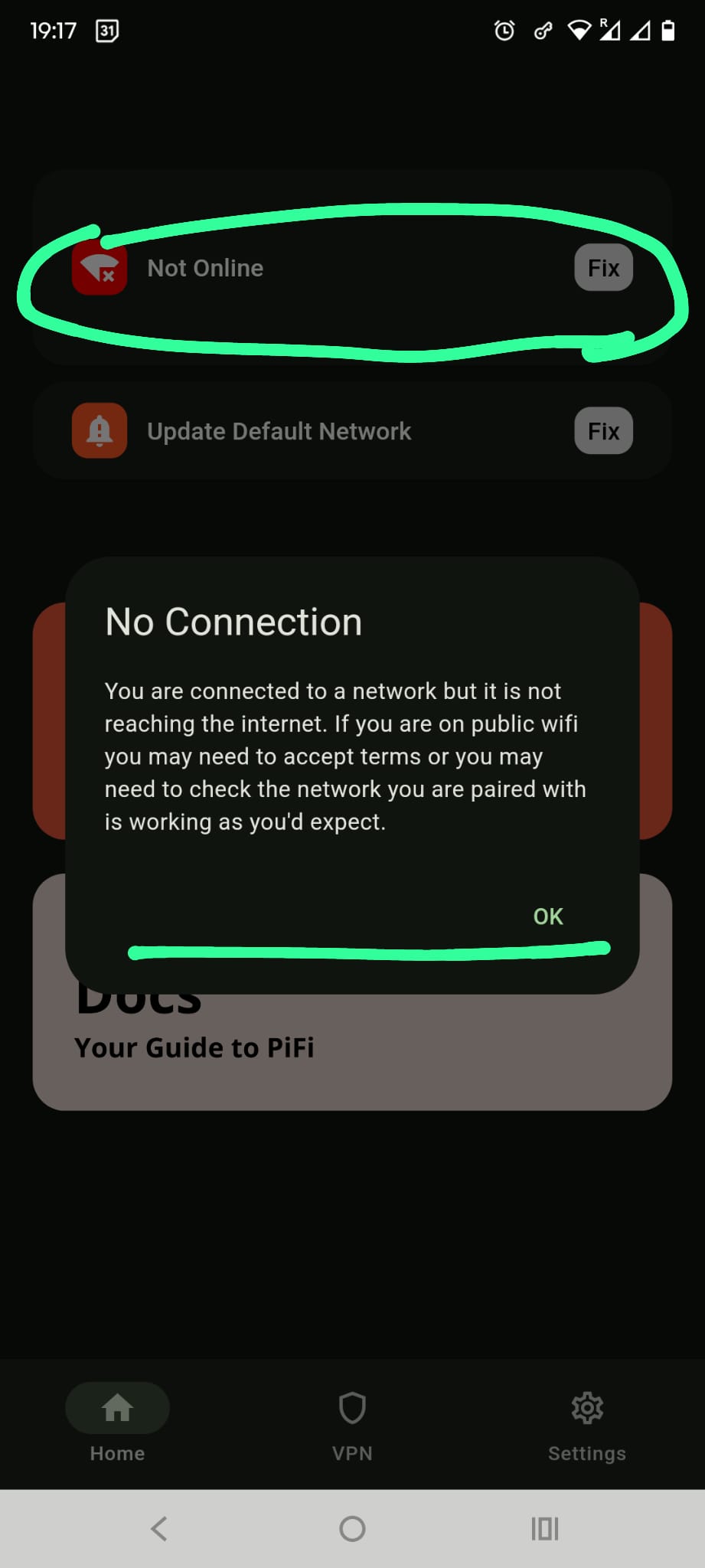
You are connected, and WAN is set, but PiFi still isn’t reaching the internet.
From the system report, PiFi is detecting an Ethernet connection and the port is set correctly. So the cable connection itself appears to be present.
The issue is that PiFi isn’t getting internet through that connection. That usually means either:
the cable isn’t connected to a router or live internet source
it’s connected to the wrong port (i.e it would be a LAN port on the router you connect it too)
the router/network isn’t sharing internet access with PiFi properly
Can you confirm where the Ethernet cable is connected at the other end? Ideally it should be connected to a LAN port on your router or another live network port with internet access.
I’d also try rebooting both the Pi and the router/network device it’s connected to.
So in short: PiFi can see a cable connection, but it isn’t getting internet through it. That points to the wired network connection rather than the app or captive portal.
The WiFi is working fine. I can connect to it from WiFi settings in my phone and no issues. No “Unable to connect to Internet” messages showing for my Home WiFi. Internet is performing fine.
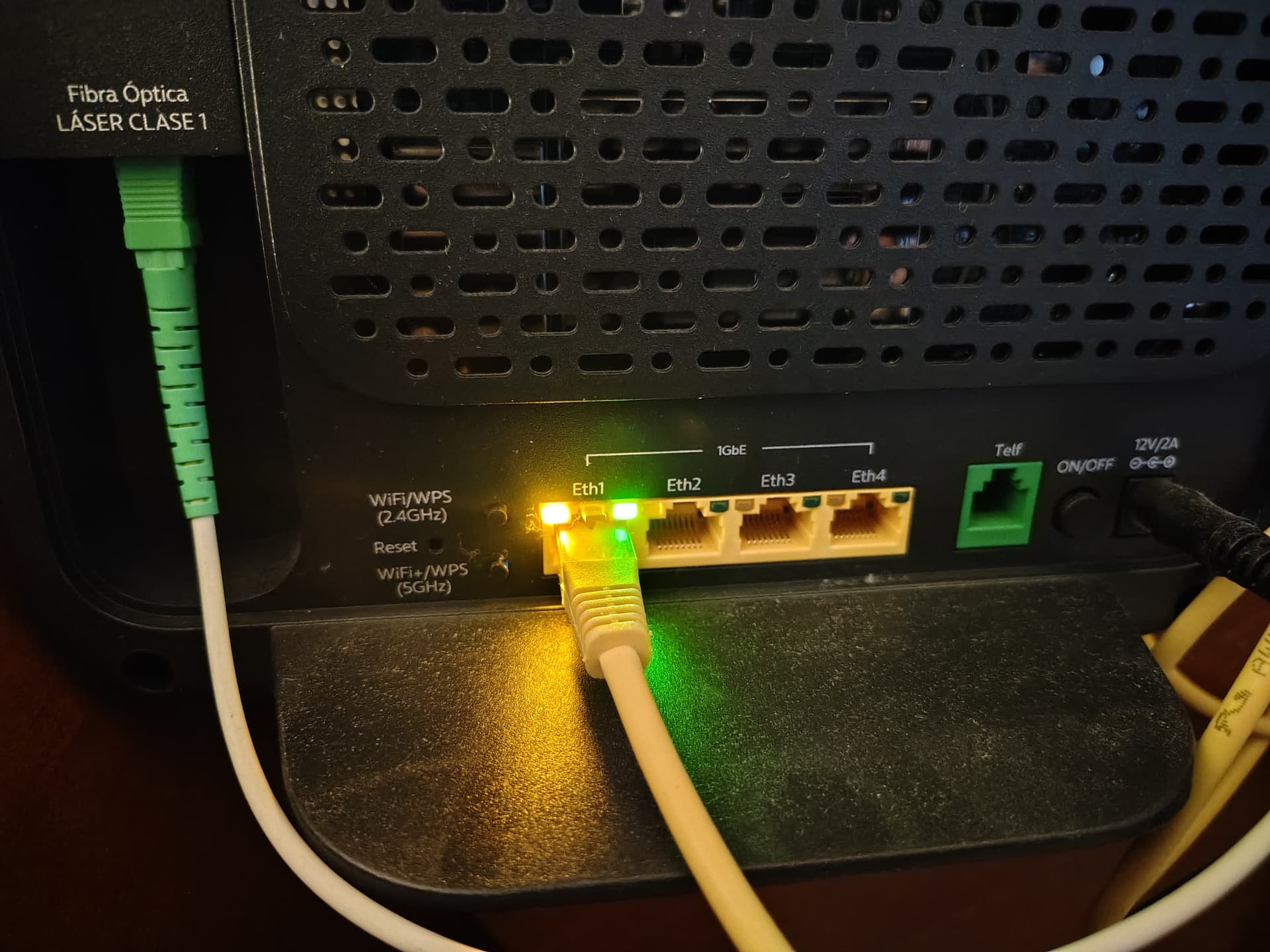
The ethernet cable connecting the RPi to the Router is in Eth1 ( one of 4 yellow Eth ports on back of the router )
See pic attached.
If I reboot ( power on/off ) the WiFi Router will that wipe the PiFi configuration? Will I have to go through a whole new set up again ( flash FW to SD card again etc )?
I work this weekend so won’t reboot anything until Sun night/Monday morning at the earliest.
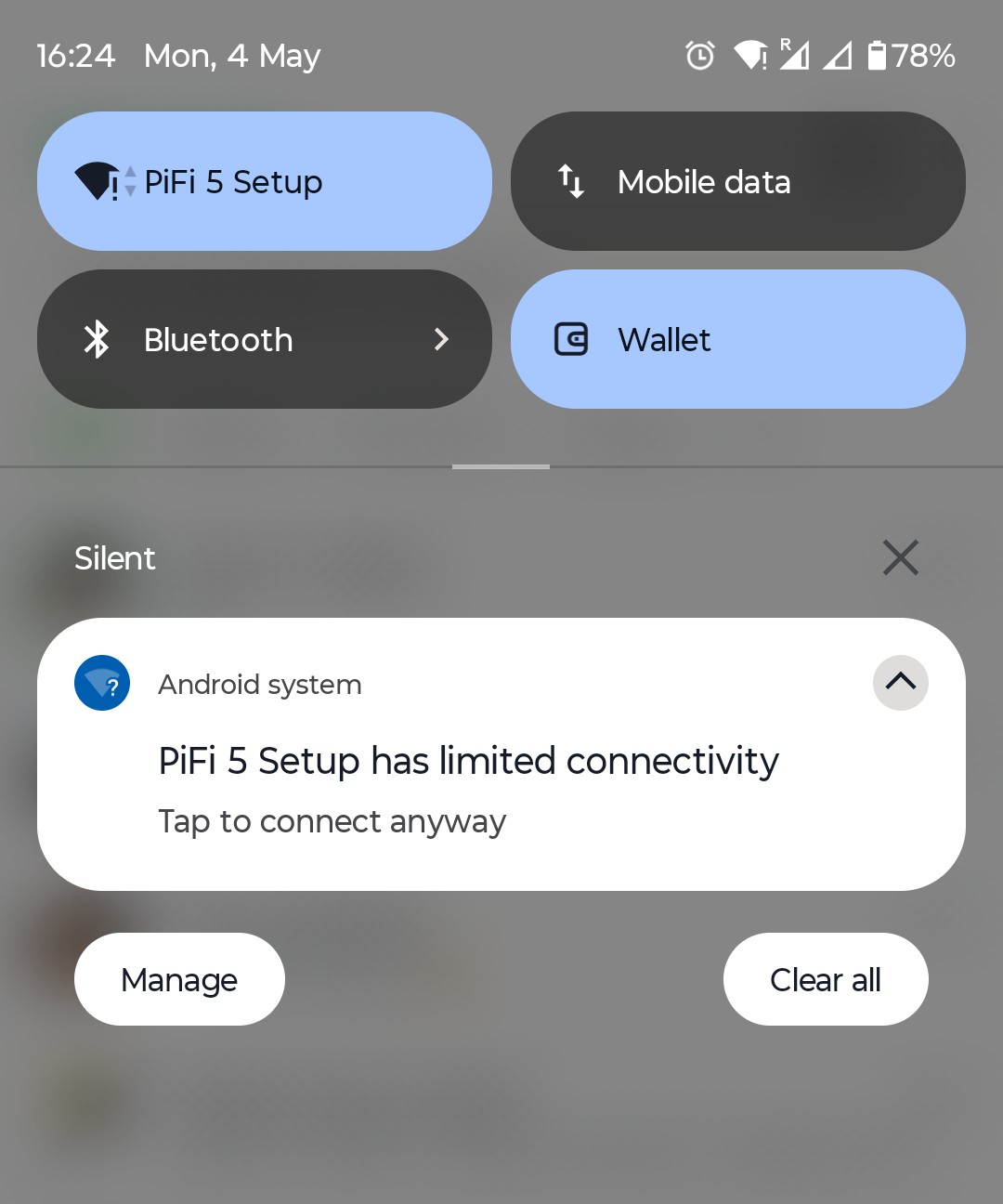
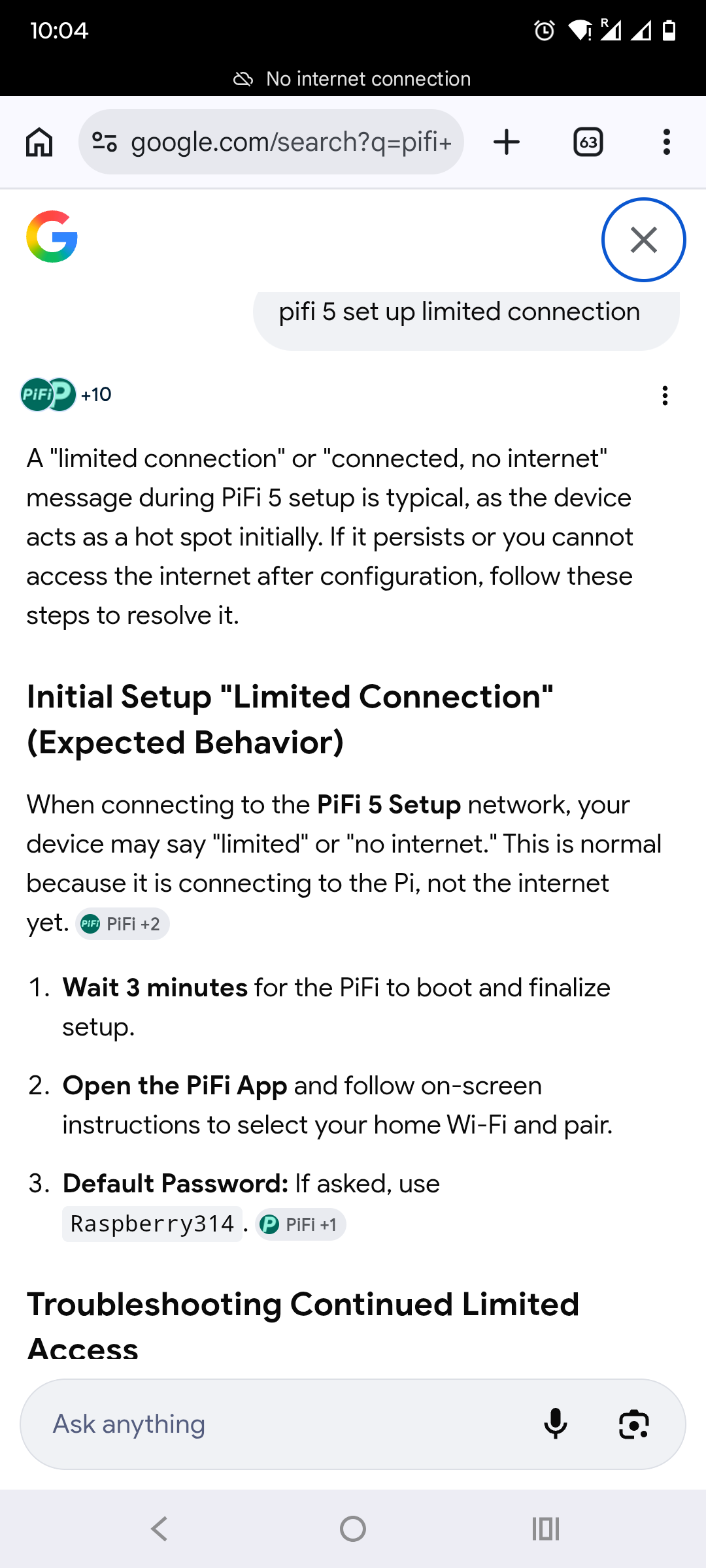
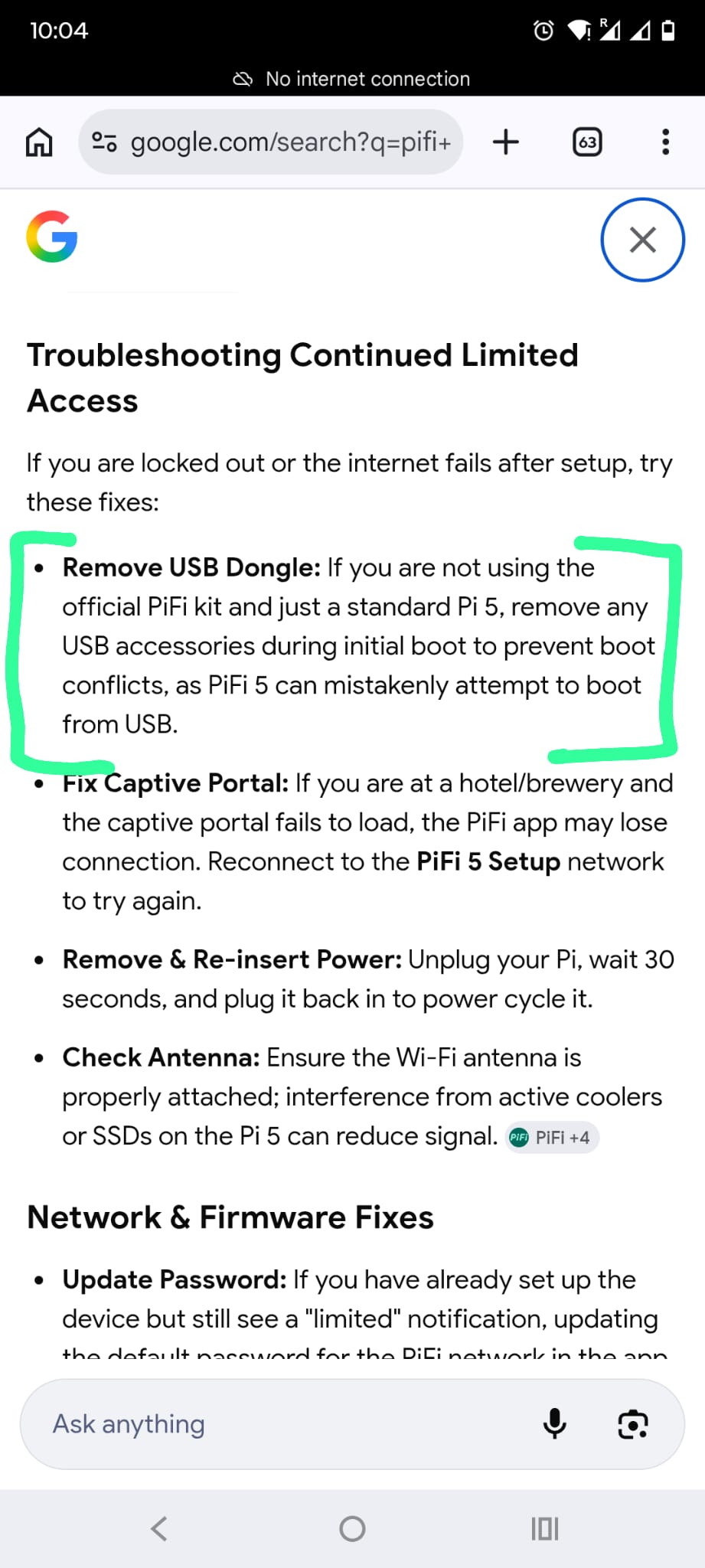
Maybe I caused some issue when the USB adaptor was connected and I started to trouble shoot the " PiFi 5 Set Up has Limited Connectivity" message ( following the steps from another post )
I’m pretty sure I also followed this doc when I first started to trouble shoot the “USB adaptor not working issue” the other day.
Method 2: Physical SD Reset
If you DO have the PiFi Kit
Disconnect the ethernet cable
Disconnect the PiFi USB WiFi Adapter
Then wait either until PiFi 4 Setup or PiFi 5 Setup shows in WiFi Settings
Remove the power supply / cable from the Pi
Re-insert the USB WiFI Adapter (into top blue USB port)
Power on again (re-insert power cable)
Re-insert the ethernet cable
After around 2 minutes you should see PiFi 4 or PiFi 5 (the lack of ‘setup’ shows it’s the USB) - you can now return to the app.
Anyway, It’s not causing me problems right now… because despite those Limited Connectivity messages on PiFi 5 Set Up I still do get internet access ( which is why I thought those In App / Android system messages were false positives )
Although internet access seems to be a little intermittent at times it doesn’t seem to affect the work PAN GP VPN. So for this weekend I will just continue with the way it is…
So I fixed the issue of Limited Connectivity but now have the issue of being locked out of the App…
There must be some issue for users with Non Default PiFi Admin passwords after the Cache and Storage is deleted?
Can you test that ?
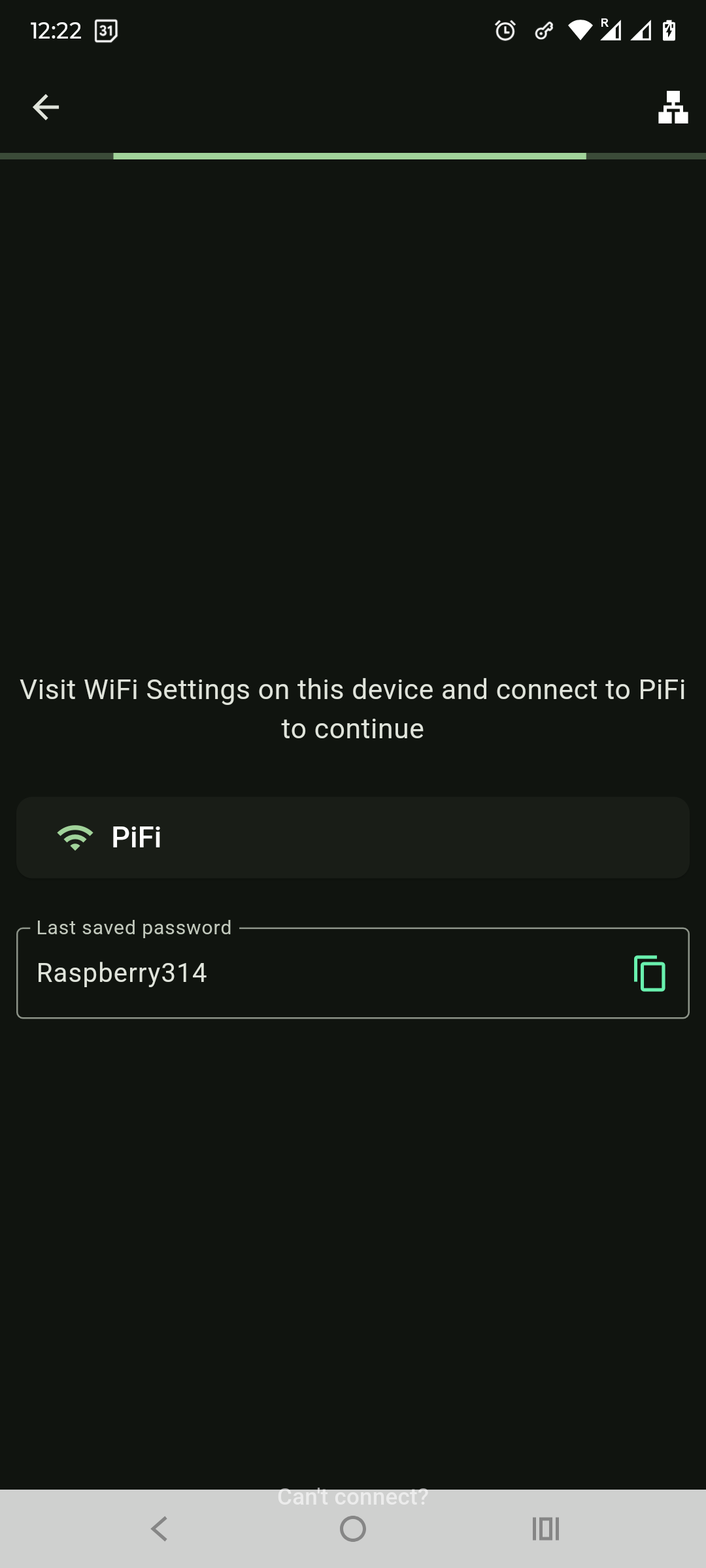
After deleting Cache and Storage from App Info, I’m at the set up page in the App ( next page after I select the country ) and the default PiFi PW ( not my actual PiFi Admin pw ) is populated and the page is just spinning.
You would think it would progress to next step if it’s the default password
Or
You would think it would progress if it was my actual PiFi Admin pw ( however, by design there is no option to enter another pw )
So as I’m not able to get into the App to try delete the Cache from within App System Settings ( which I believe helped me with this issue in Feb ) I think I have no option but to start from scratch.
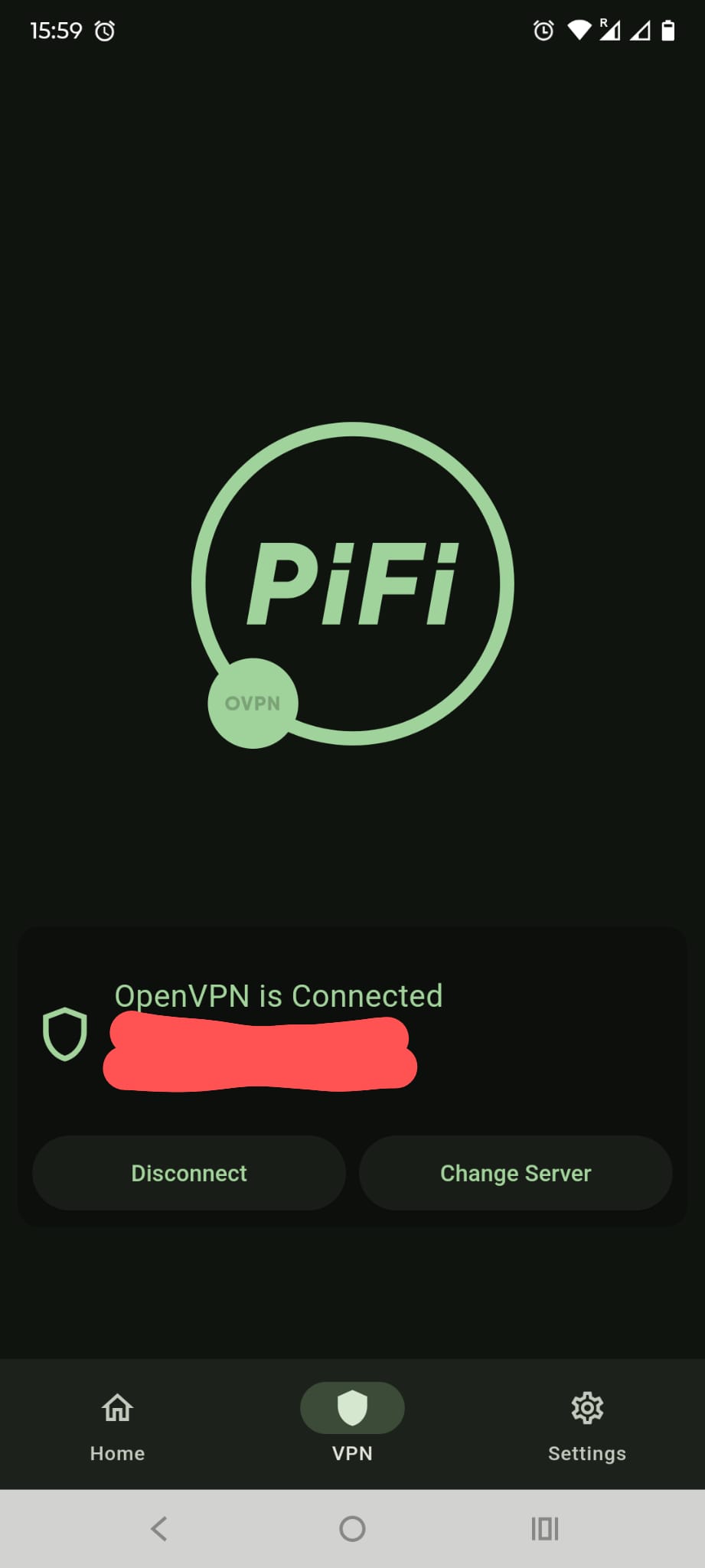
Yes, there’s NordVPN. I will disconnect it. I tested on/off with that and it does seem to interfere with the PiFi getting connected to OVPN - thanks for the heads up.
Regarding, the issue about the PiFi pw, about 2 hrs ago the PiFi set reverted to an original set up…
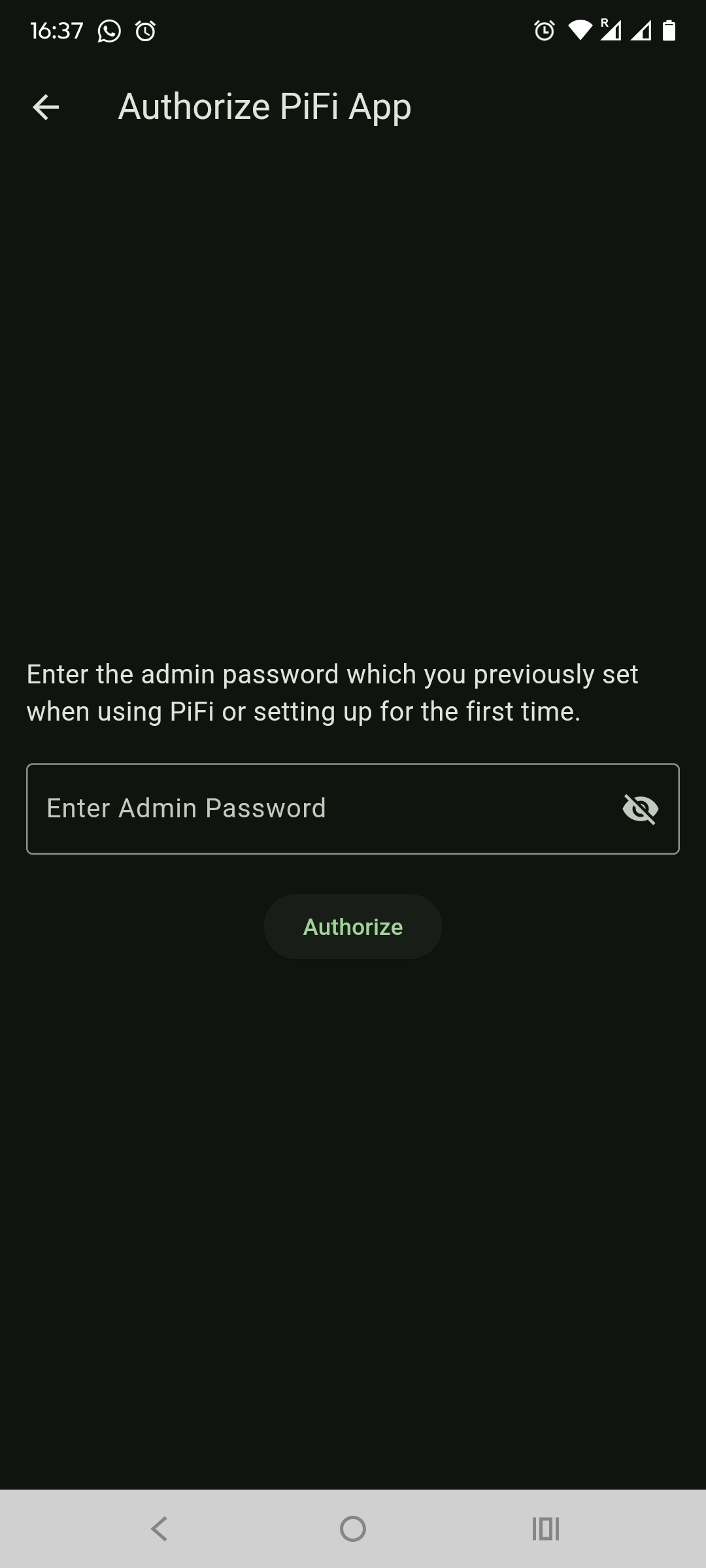
I was able to enter the last PiFi pw I have set ( non default )
and complete the PiFi setup.
So perhaps you have to wait maybe 2-3 hours after you delete cache & storage for things to sync and to get to that page ?
Or else, it was maybe due to NordVPN that might have somehow deactivated itself between several phone reboots which got me there. But my guess is perhaps the former.
This issue seemed to have fixed itself a while back.
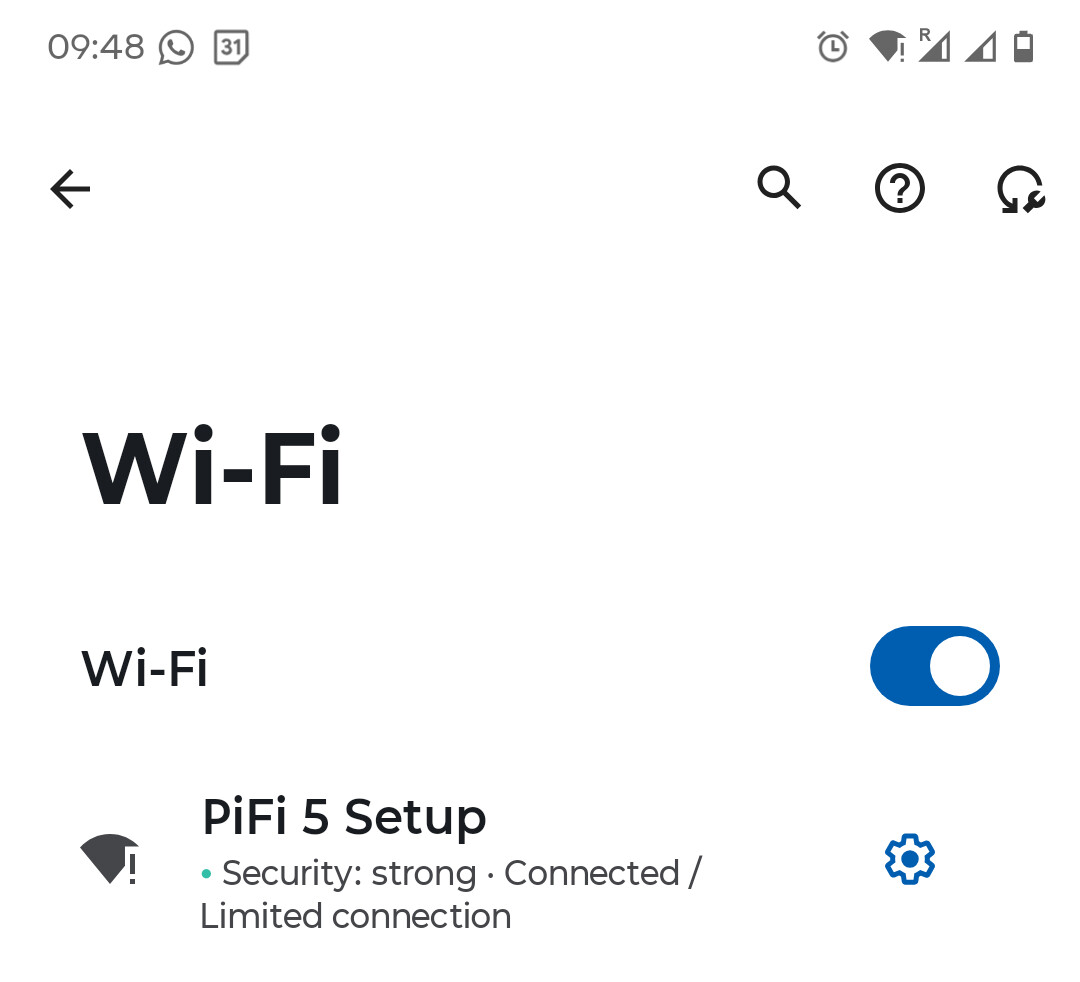
I now get “Connected” status for PiFi 5 Set Up network.
I also have internet working while Connected to PiFi 5 Setup network.