alain
October 3, 2025, 2:01am
1
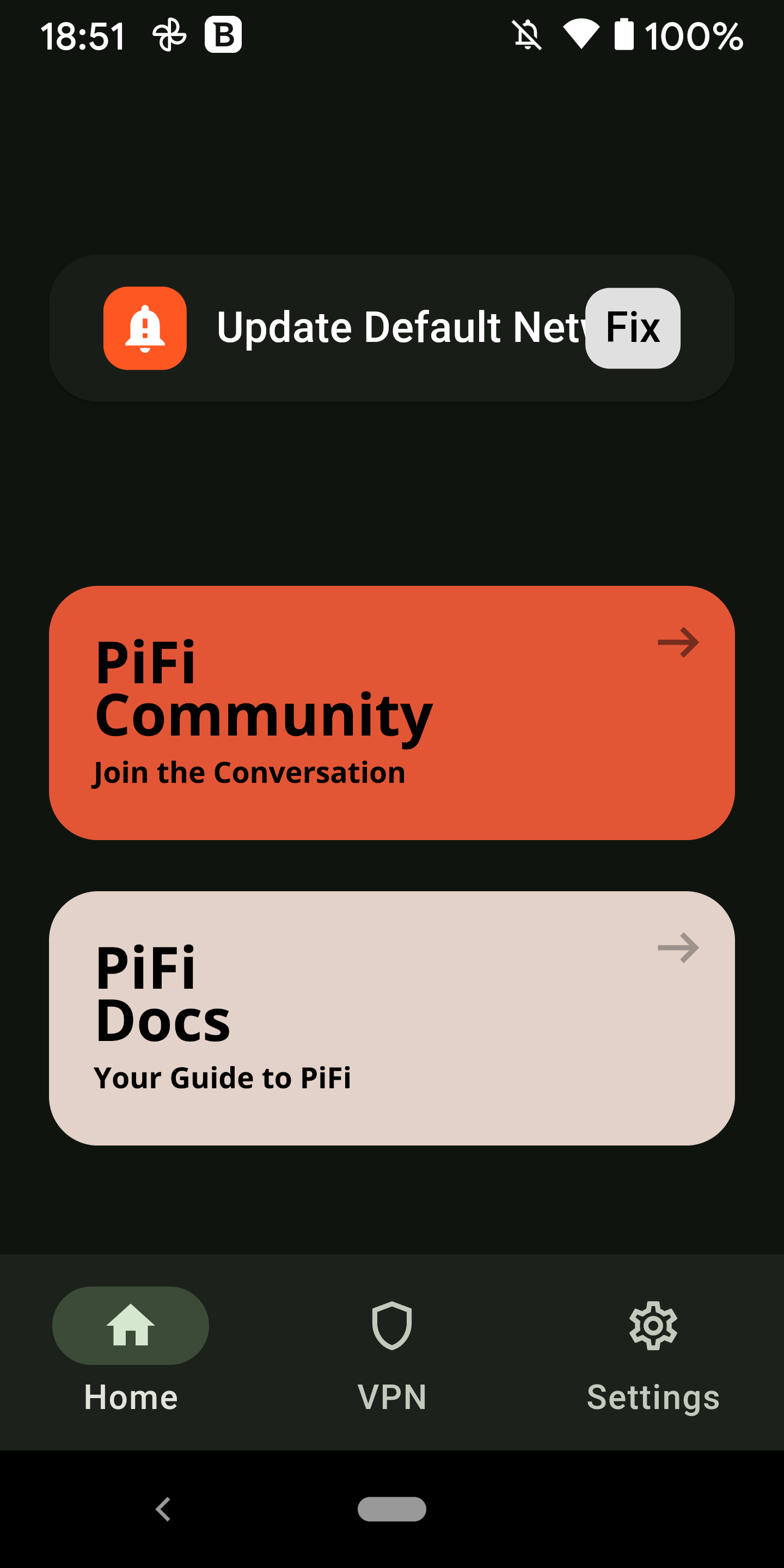
Whether I set up PiFi following the “Download & Setup” procedure or the “PiFi Kit Setup” procedure, I always end up with the message
Update Default Network <
pifi
October 3, 2025, 7:39am
2
I’m assuming your WiFi Network Name remains PiFi 5 Setup
If you change the network name so that it’s not the default network/password (which isn’t the most secure since it’s publicly available) the error should go away
1 Like
Hi,
I updated the password for PiFi5 Setup but not the Network name.
I still also get that notification.
pifi
December 1, 2025, 1:05pm
4
That’s a valid point, if it’s still showing when keeping just the SSID then next app update can address that
1 Like