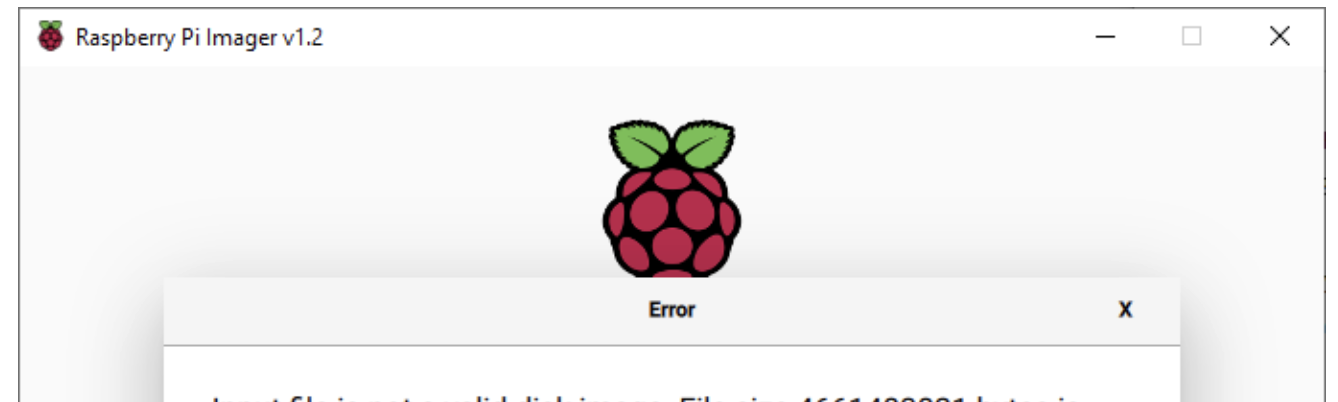
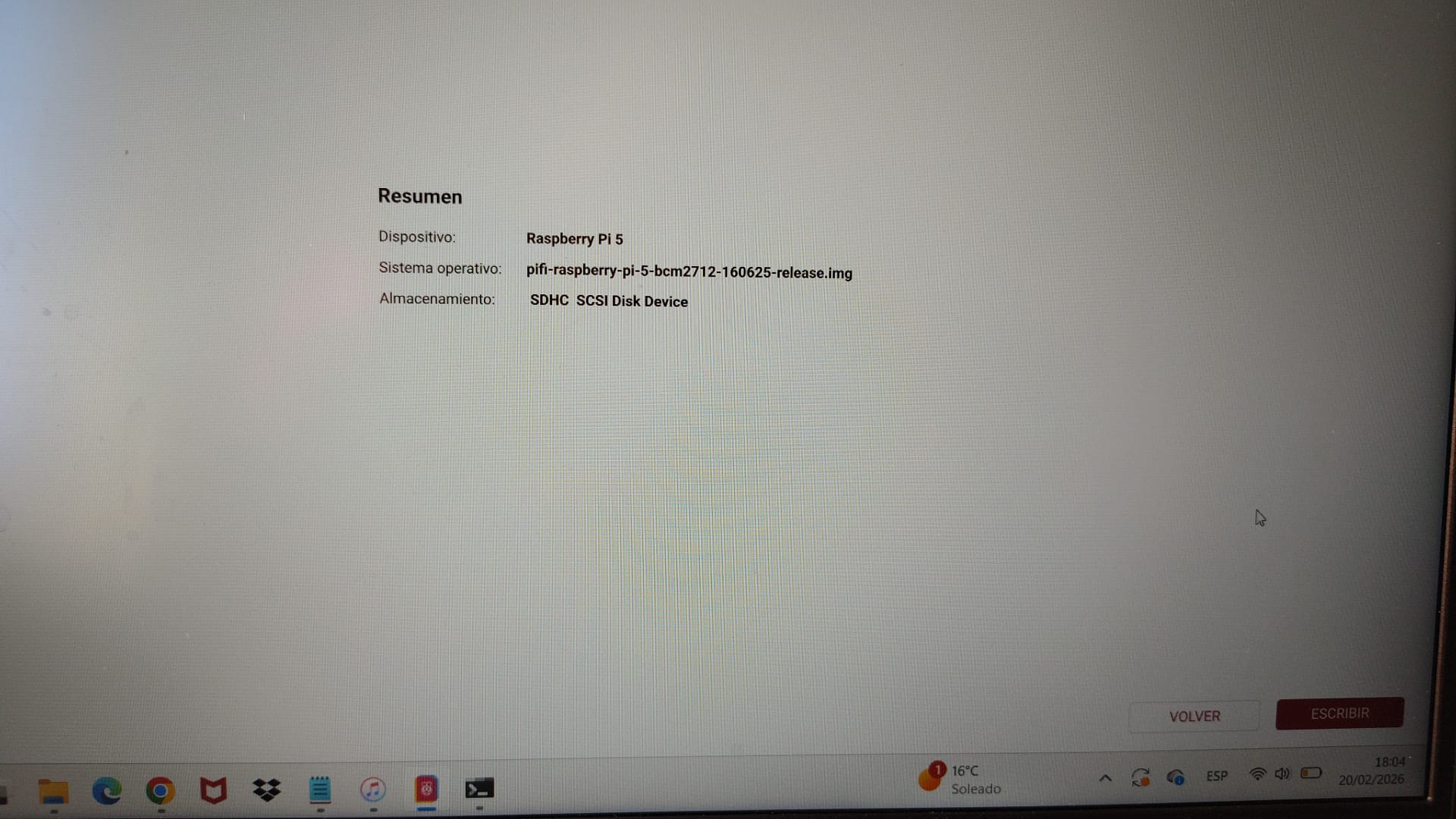
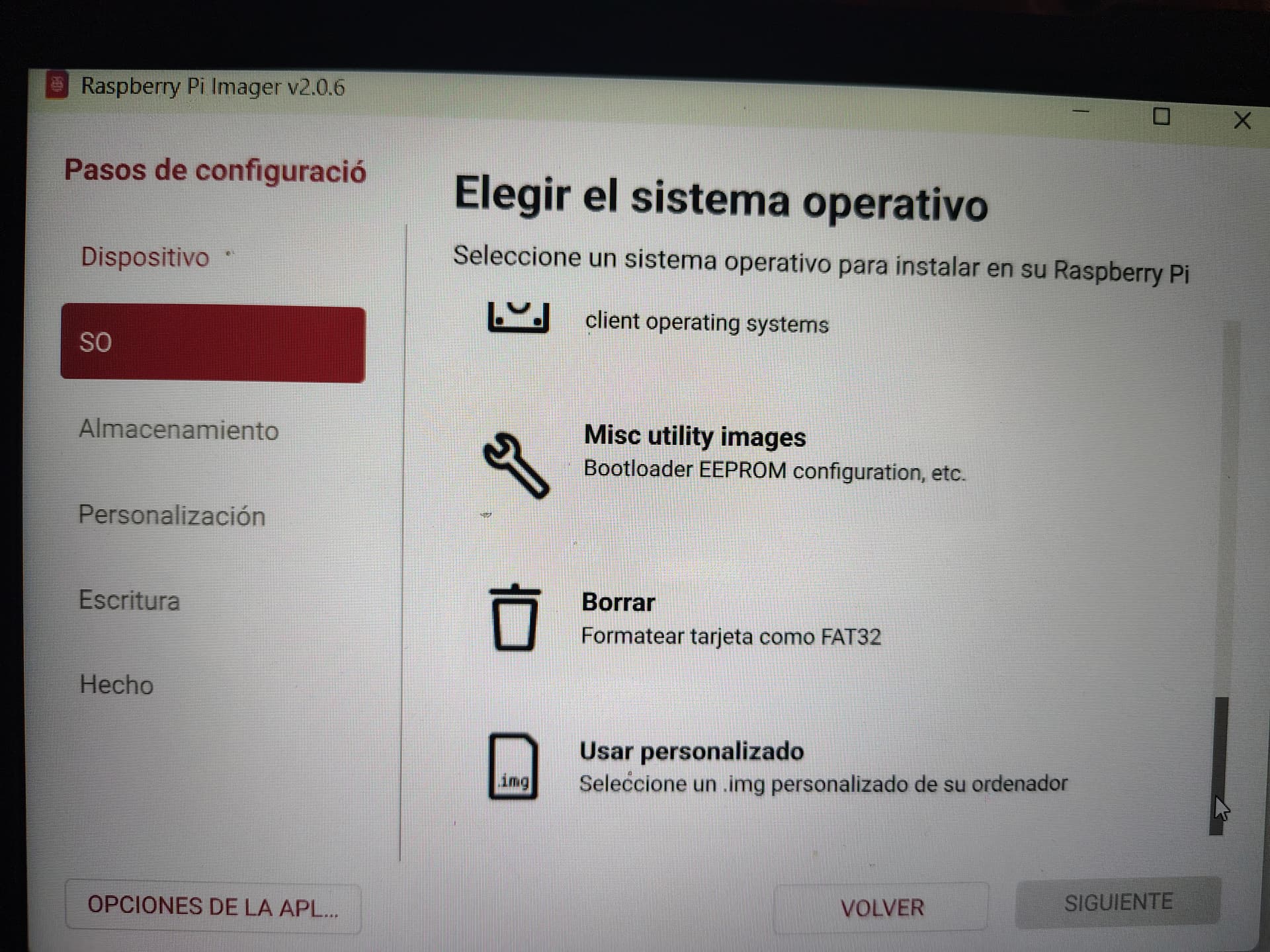
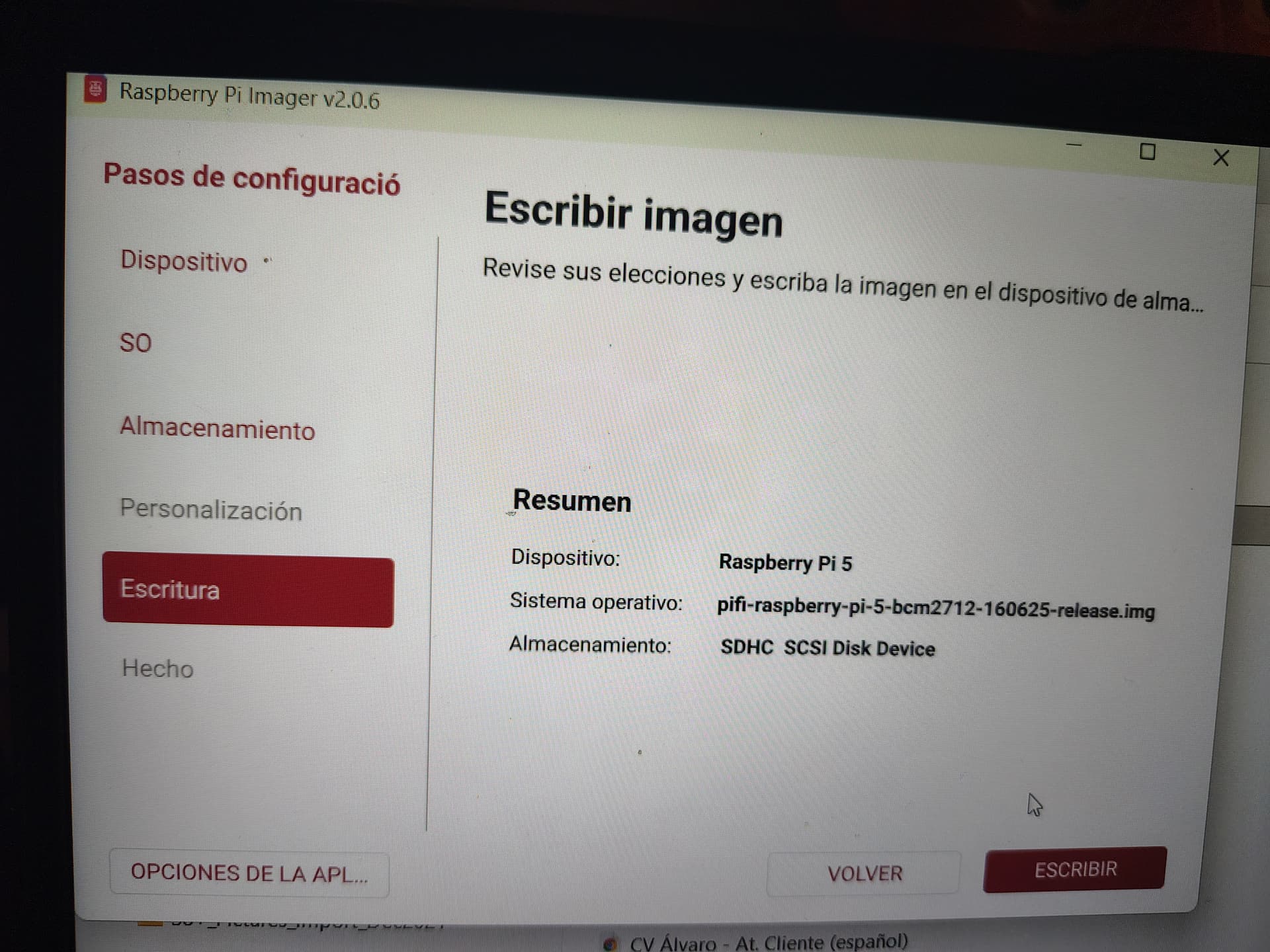
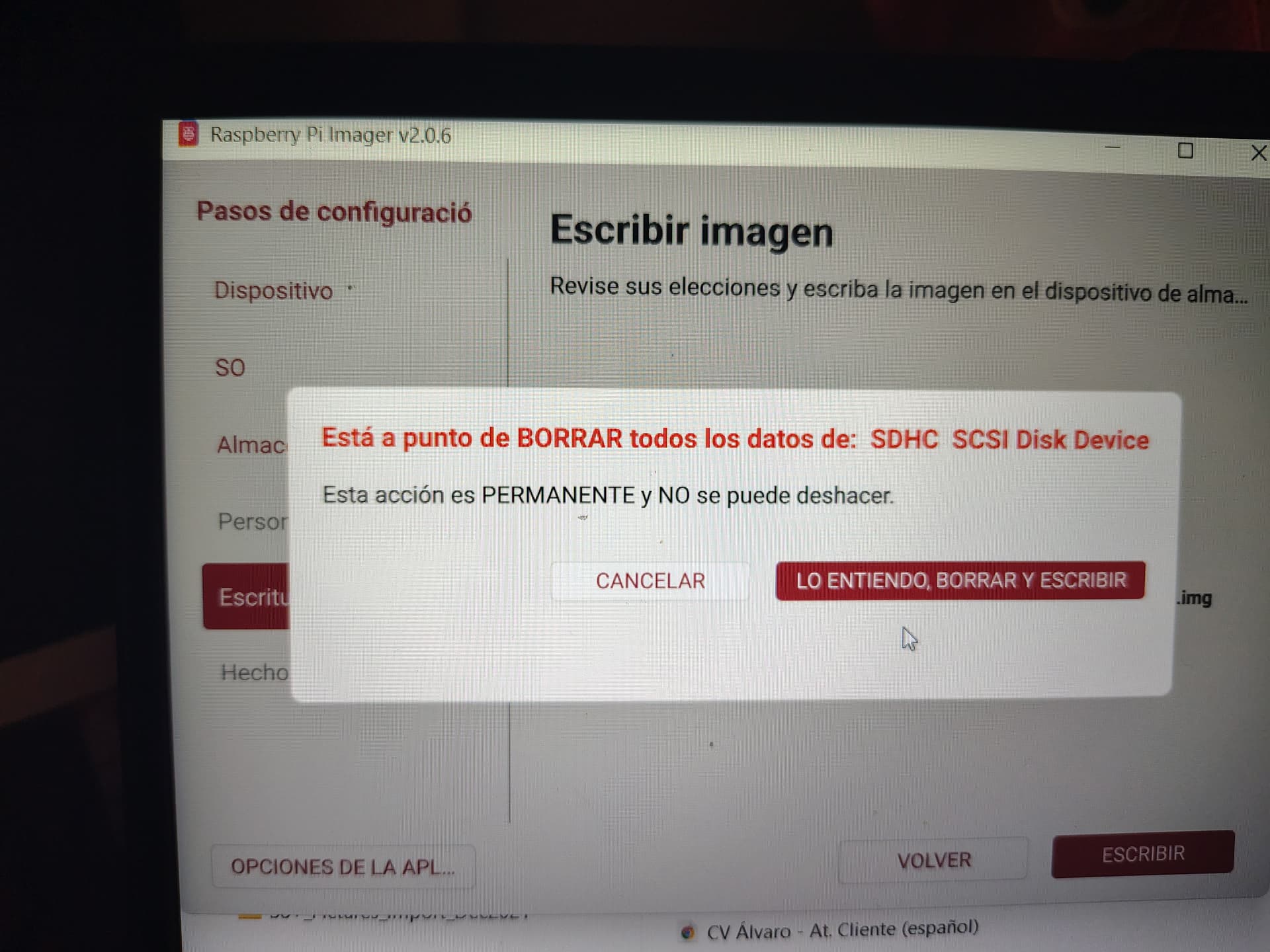
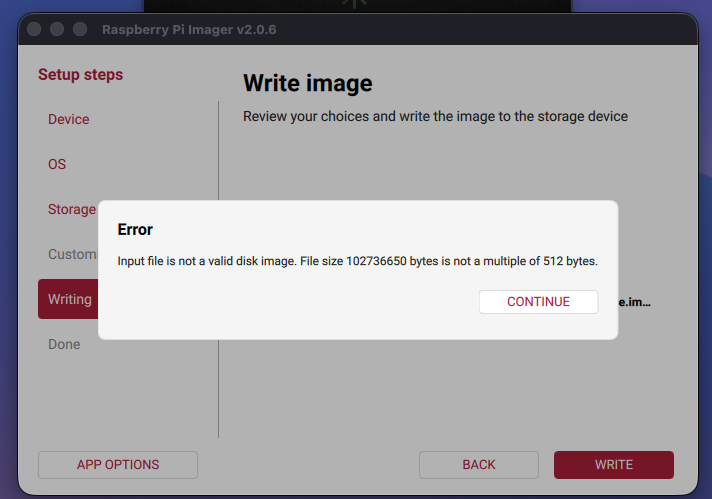
Odd issue, haven’t experienced it myself. Can I ask which version of imager you have (should show on Pi imager)
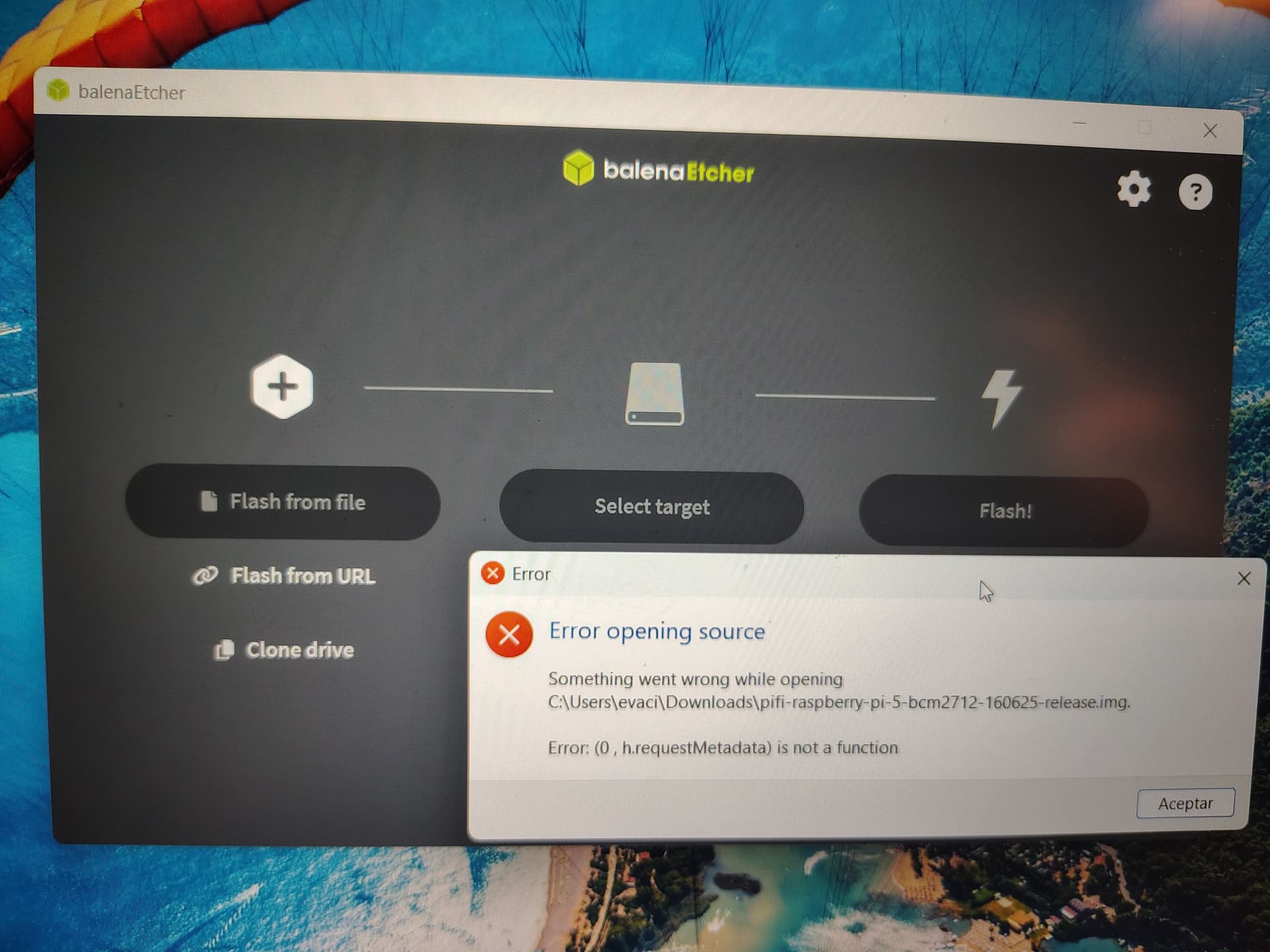
I can see if I can recreate issue to help fix. Another way is to flash via https://etcher.balena.io/ but if I know which Pi imager you’re using as I haven’t seen that issue before
i.e the .img file inside the extracted folder ( the folder that was extracted from the .gz file )
It may have been that I chose the incorrect option in 7zip to extract the folder which was causing the issue I’m not sure.
The menu options of 7zip were in Spanish so I maybe didn’t choose the right one ( I think I chose “Extract here” and the other option was “Extract Archive”)
It could be nice to put those ( *** simple but important *** ) steps on the PiFi guide doc ( bcos I see related posts on related forums about similiar error messages )
Thanks for the reply.
Well I’m still not 100% sure what I did ( cos I thought I did these steps already several times last week when I had the PiFi issue ) but I got the FW flashed today again.
I formatted the SD card
I ran Balena etcher as Admin.
I deleted all previous downloaded version of the FW image 0.1.5.21
I downloaded a fresh copy for RPi5 from the PiFi downloads page.
I loaded the .img.gz file into the Balena Etcher.
I was able to proceed through the 3 steps and finish the process!
Just to note:
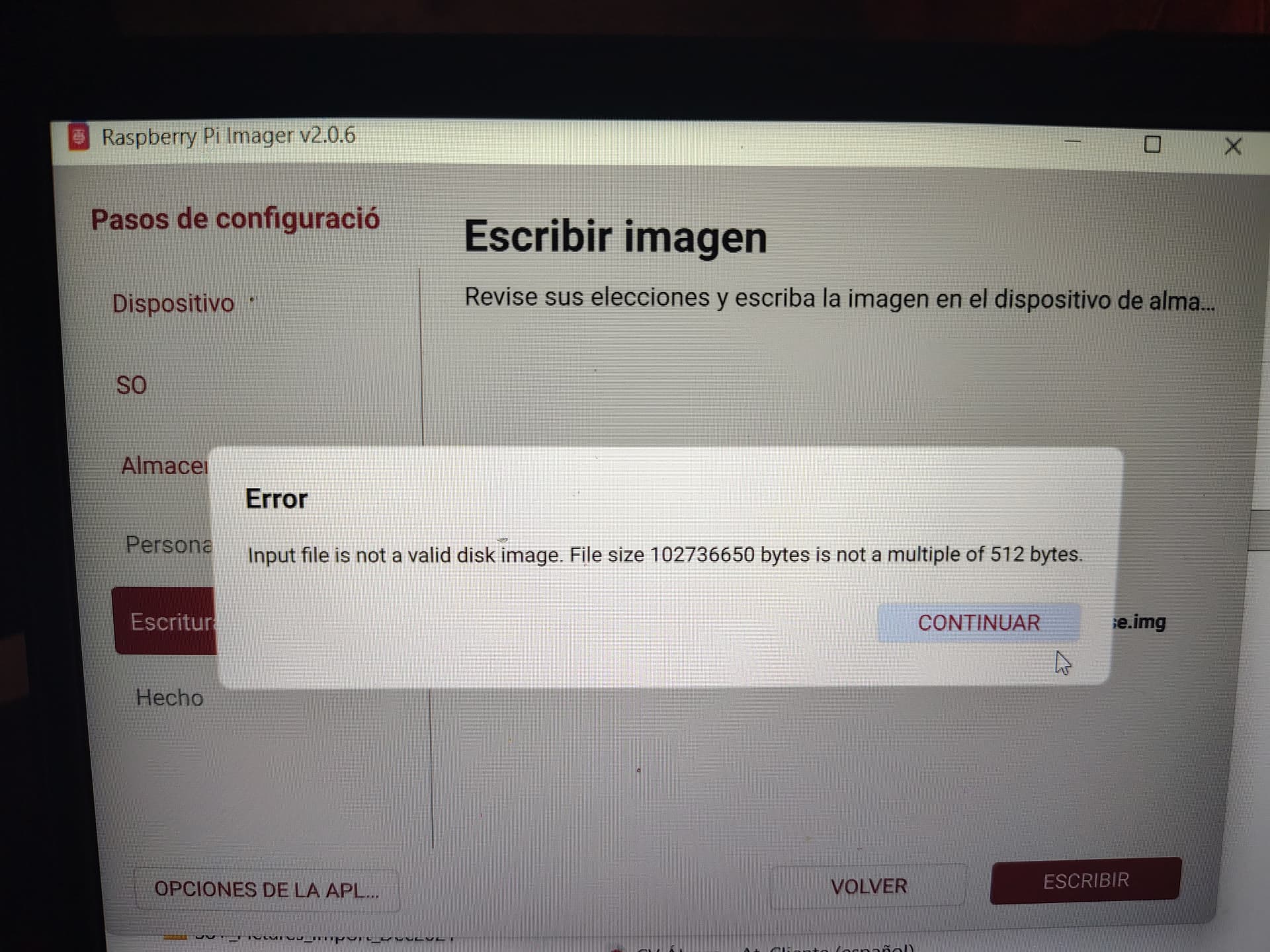
Before that I tried RPi imager 2.0.6 and used the .img file and got the error. So it does seem that the .img file is not the correct one (for either RPi imager or Balena Etcher )
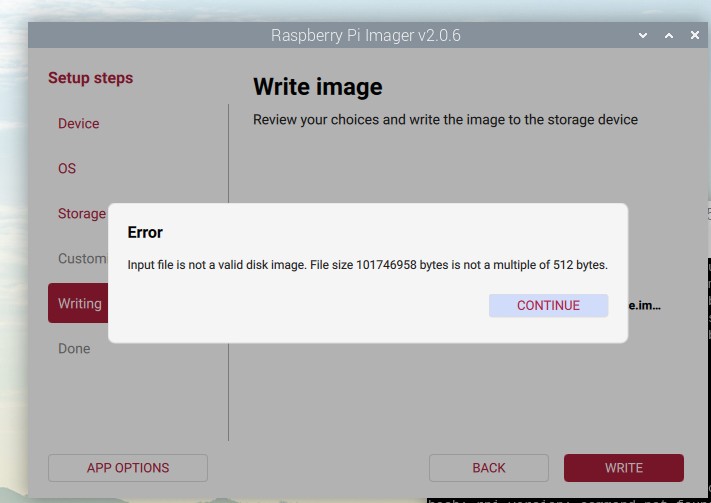
Pi Imager requires a valid raw .img (size must be a multiple of 512 bytes). Your extracted .img isn’t, so it’s invalid or got corrupted during extraction. I generally don’t recommend unzipping/extracting the .img.gz it should be flashed as-is
Flash the .img.gz as-is in Pi Imager instead of extracting it first. That’s how it should be flashed.
Came here after experiencing the same error. I was trying to flash the SD card from the .img.gz , downloaded from the official downoad page, using Pi Imager, with the current version ( (0.1.4.1) for my Pi 4. Tried on both a 500+ and a Win11 machine with the same negative result (see screenshot).
I also tried the Pi 5 version ( 0.1.5.21) for good measure, giving the same error. I was using the SD card provided with the kit, formatted using the Disks utility on PiOS.
After several attempts using Pi Imager I tried Rufus on Win11 which completed the flash successfully and allowed me to boot the PiFi normally.
Putting this out here for anyone else who is experiencing this issue.
Not the original poster, but I am also having the same image with raspberry pi imager. I have tried both the img and img.gz file same error both times.