Hi,
As part of trouble shooting , today I followed the steps you mentioned in the workaround you provided earlier:
( Note : Re power cycle I wasn’t sure if just pressing the power on/off button on the RPi5 was enough. I pressed it for ~ 5 seconds. Then I unplugged the power supply. )
Note: I said to ISP I will test the WiFi and see if it’s stable for work remotely. If not, I said I want my old router back to test the stability of connection with it ( I don’t remember speeds being as slow or stability not as good. It definitely would drop yes but not so much it seems as this one )
"One thing that can cause this is the port setting being on LAN while the Ethernet is plugged into the router’s WAN port (or vice versa).
What I’d try:
- Unplug the Ethernet cable.
- Power cycle the Pi (leave it disconnected from the router for now).
- Try connecting over WiFi.
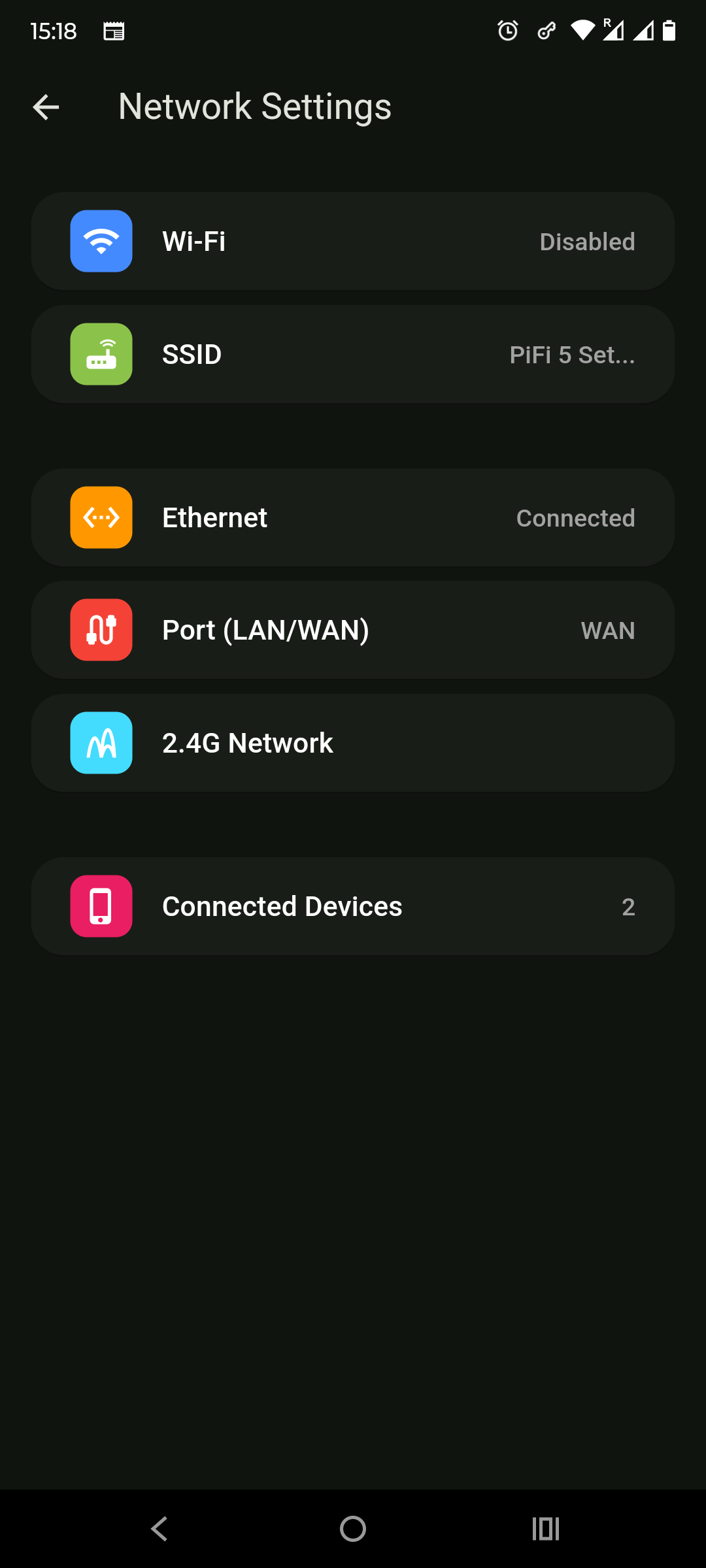
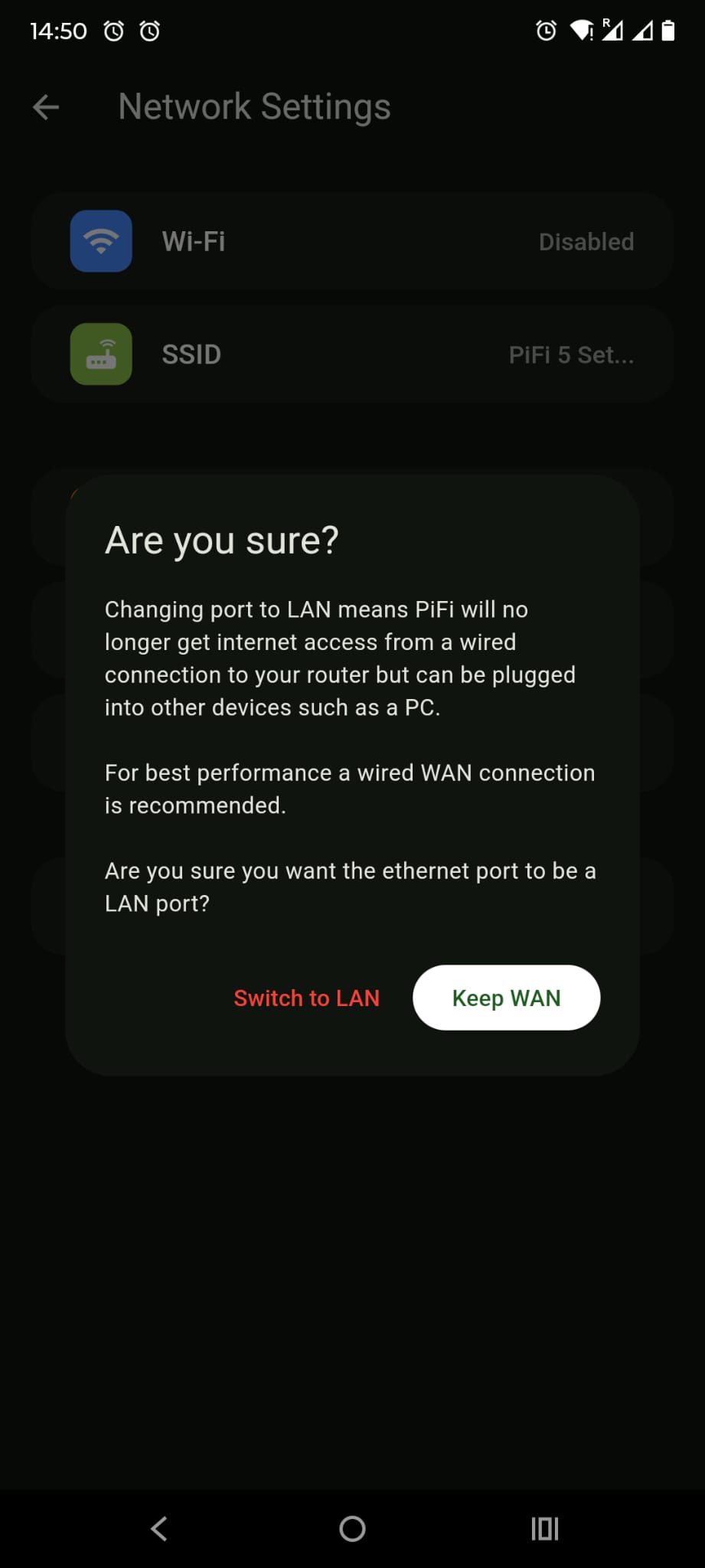
- If that works, go to App > Settings > Port (WAN/LAN) and confirm it’s set correctly for your setup (switch it if needed).
- Plug the Ethernet cable back in and test again.
If you can tell me the exact error message and device (or a screenshot), I can be more precise. "
I did those steps and when I checked the App it showed WAN. Is that correct ? There are 4 Ethernet ports on the new router we got. I don’t see anything WAN showing on the router. So I’m not sure about this point.
Anyway those steps seemed to have worked as regards getting Internet access again!
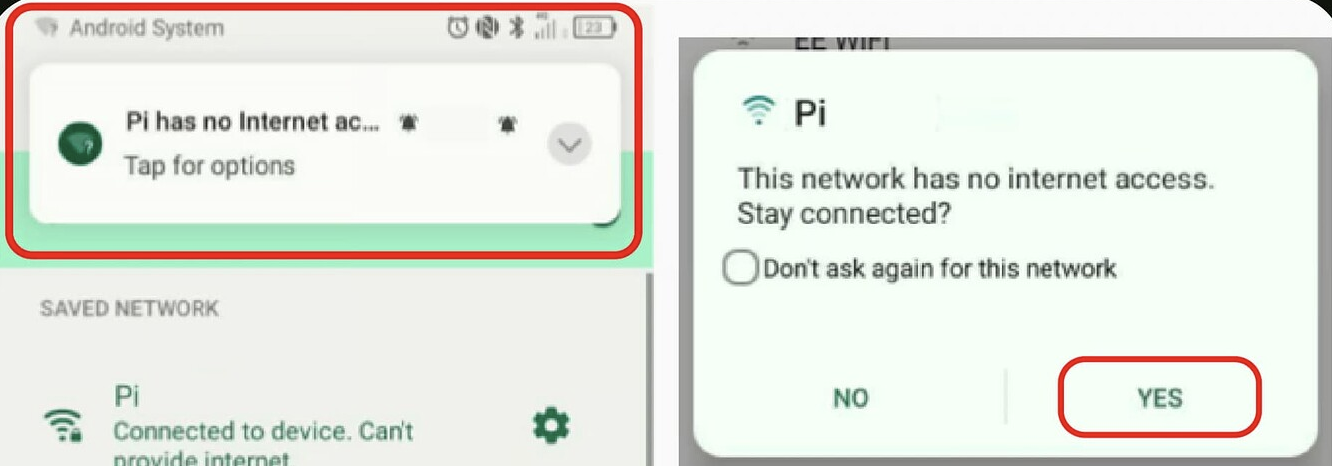
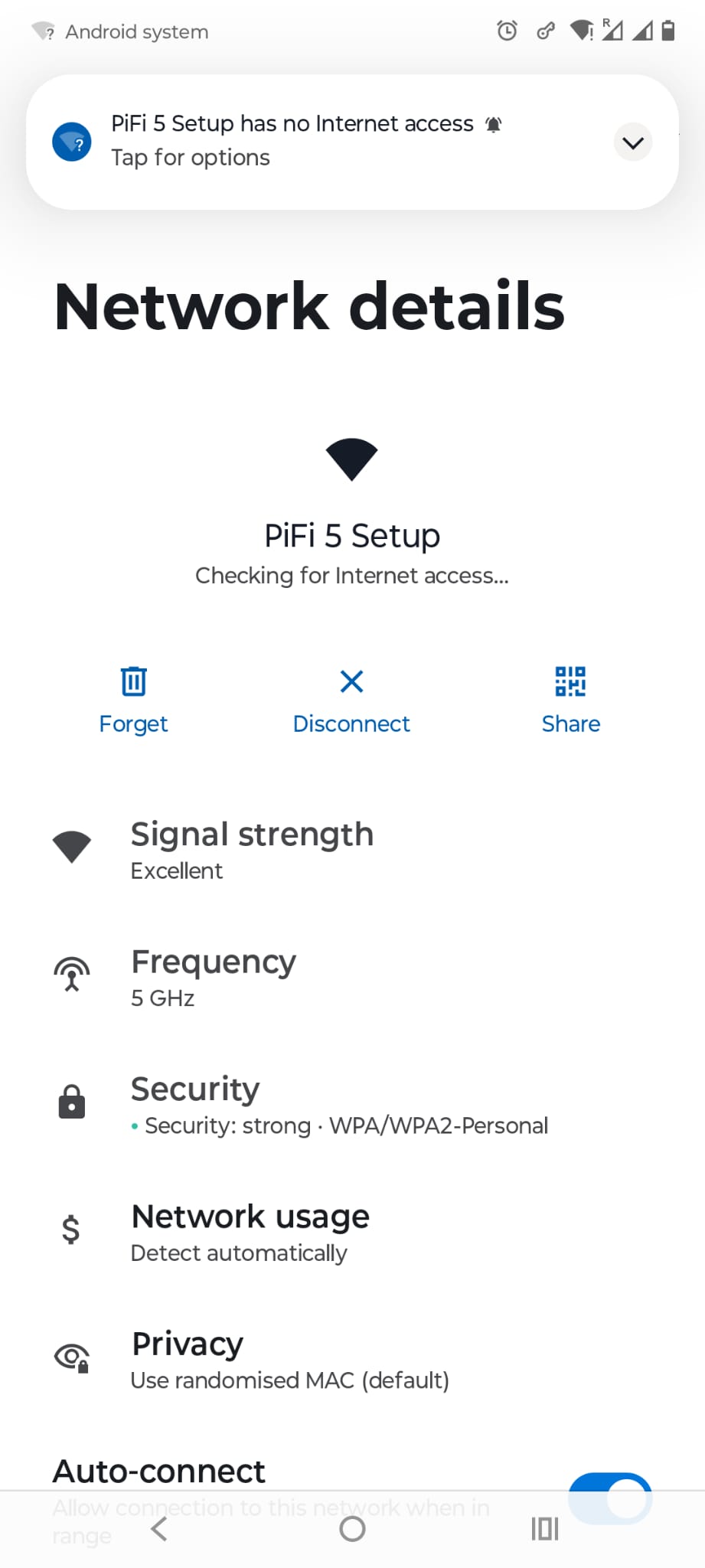
→ I can now connect my Android phone to PiFi 5 Set Up and have Internet access again…
→ I can connect my work laptop to PiFi Set up network and have internet access again via the PAN GP VPN.
In the PiFi App settings I noticed the SSID as being empty.
Not sure if I did something wrong here but I populated that with “PiFi 5 Setup” and the password for the PiFi 5 Setup network ( I had changed it from default one last year )
It’s correct ?
I noticed the App wasn’t able to connect ( usually when I click on VPN in the PiFi app it says connected and shows me the server I’m connected to )
I did the below steps but not sure if in exactly always this order…
Opened the PiFi app
More Settings > Delete App cache
Rebooted phone ( Android Motorola Fusion 50 Edge )
Opened PiFi app
Click VPN
I get the Network not detected message.
Click Fix
Brings me to the screen with msg:
“Visit WiFi settings on this device and connect to PiFi to continue”
The last saved password is showing as the password I set last year ( i.e. not the default RPi password )
The page is spinning as if it can’t sign me in
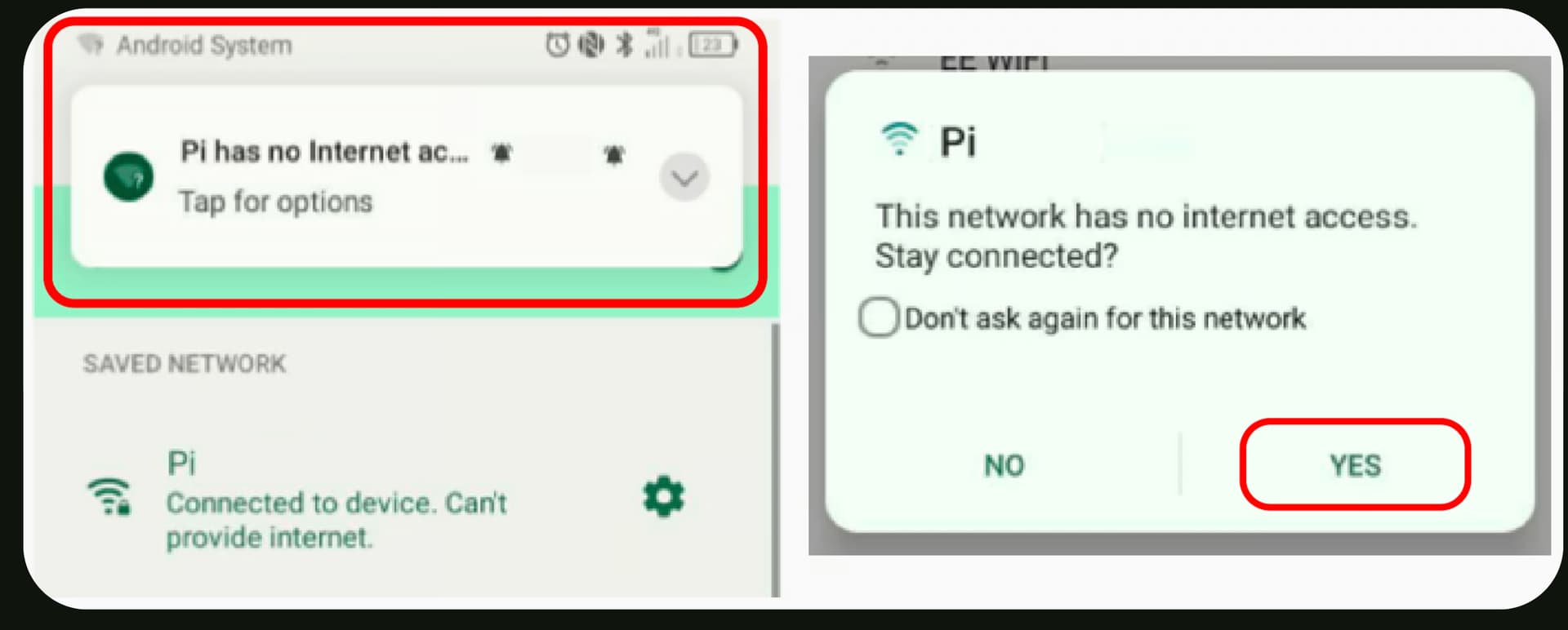
( Ref : Issue: App Won't Detect / Captive Portal )
I uninstalled the PiFi app ( from Apps > PiFi >Uninstall )
Rebooted Phone
Reinstalled PiFi app from Playstore.
I still have the same issue. The PiFi app does not connect.
So to summarise:
I can access PiFi 5 Setup network from my work laptop and I have internet access ( although speeds are not v fast but that is a separate issue - right now : 12 Mbps d/l and 54 Mbps u/l )
I can connect to PAN GP VPN and work remotely which is my main concern!
But I would like to make sure everything is set correctly and for the App to work ( "Your PiFi is ready " and shows me the server I am connected to etc. )
Is it relevant that the PiFi app doesn’t connect ?
I can send more screenshots too ( only 2 allowed per post it seems )
Thanks for your help 

 )
)